10 free credits · No credit cardCredits unlock after email verification. Trial images are watermarked.
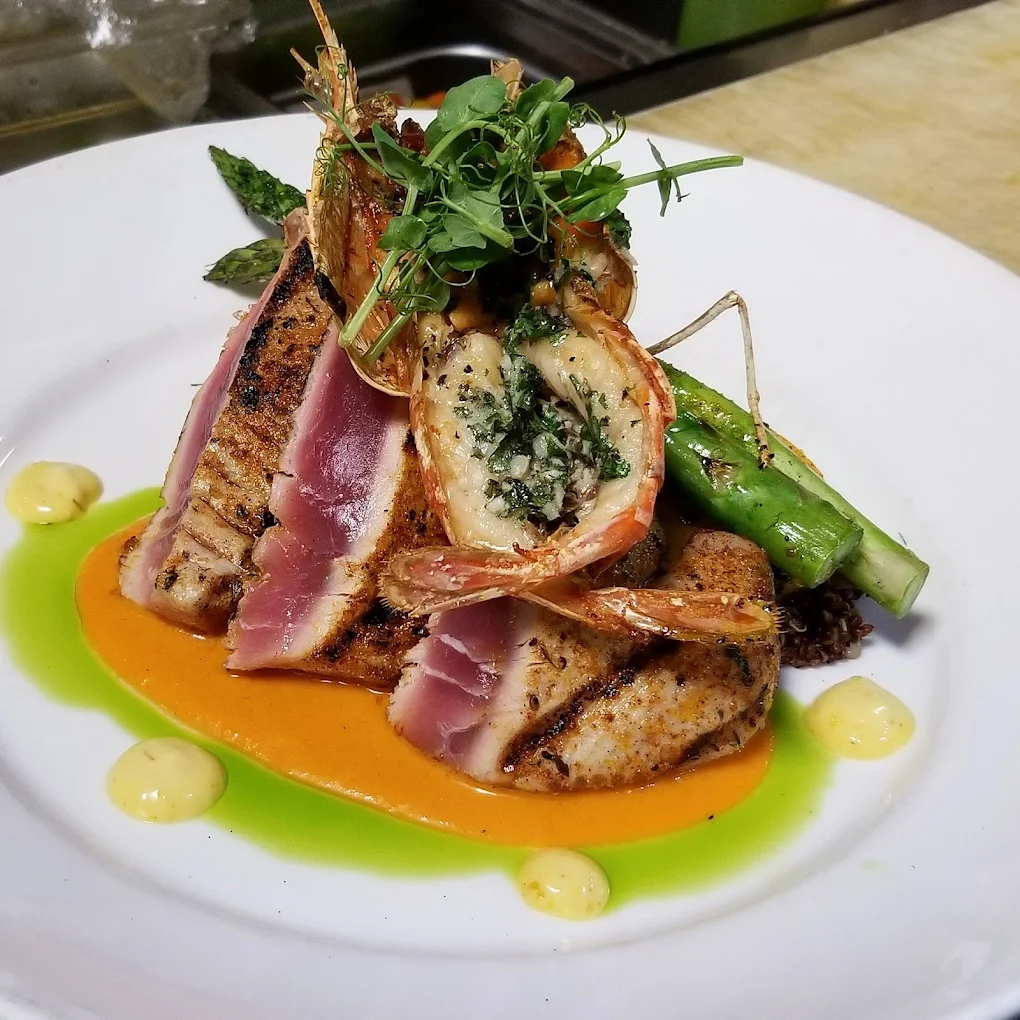
The original photo
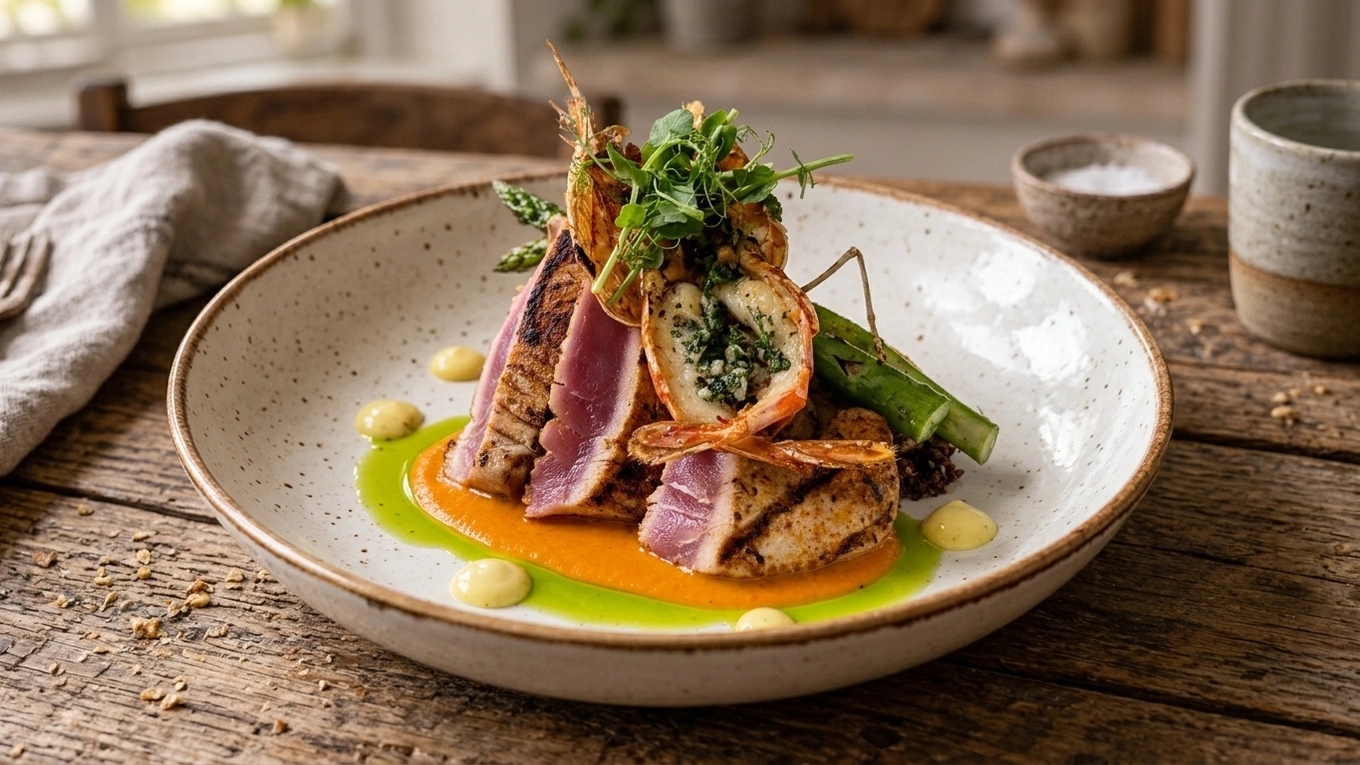
Your cooking. A new photographic direction.Real original photo · AI-styled result
REPLATE
A chef’s touch. Your food at heart.
Give the dish you actually serve a more considered arrangement. Replate can reposition the existing food and transfer sauces from disposable cups into suitable presentation vessels.
Preserve ingredients, garnishes and visible counts
Respect portions and cooking doneness
Use your chosen plate, lighting and setting
Included in the image’s one-credit generation
Keep Replate off to preserve the existing arrangement. AI can change details, so compare the result with your original before publishing.
OriginalAI-styled
Explore a real photo and its AI-styled presentation. Drag to compare.
YOUR VISION. A LITTLE WIZARD HELP.
Find the feel. Make it your own.
You have full creative control. Describe your vision and choose the details yourself, or let the Wizard suggest a direction. These ready-made styles make it easy to get started, and you can customize any look to make it yours.
Editorial
The tasting table
Warm light, rich textures, and a seat close to the action.
A few starting points, with room for your own ideas. These are the app’s illustrative, AI-created style previews. Your results depend on your food photo and choices.
9 complete looks, ready to adaptExplore the full look collection
The house special
Ivory · soft daylight
Dinner in the shadows
Charcoal · dramatic light
Coffee by the window
Linen · warm window light
A seat above the table
Top-down · pale stone
A squeeze of color
Coral · crisp shadows
Back to the farmhouse
Weathered wood · earthy
Under the olive sun
Limestone · golden sunlight
The marble edit
Cool marble · soft light
After-hours bistro
Walnut · amber evening
Use a look as it comes or change the surface, lighting and presentation. Save your own combination and reuse it across dishes.
CREATIVE CONTROL
Be specific about the details.
Describe your vision in your own words, use the controls, or combine both. Photo suggestions can help you decide what to change without spending a generation credit.
Background
Set the scene around your dish.
Also available
Wizard’s Choice
Keep original
The app’s illustrative previews show how each choice changes the scene. Select an image to take a closer look.
More styling controlsComposition, focus, props and color finish
Framing & composition
Centered dish
Rule of thirds
Space on the left
Space on the right
Space above
Hero crop
Wider table scene
Focus & depth
Everything sharp
Gentle background blur
Shallow focus
Soft bokeh
Props & styling
Dish only
Linen napkin
Simple cutlery
Gold cutlery
Chopsticks
Water glass
Café setting
Restaurant table
Color & finish
True to life
Warm editorial
Crisp commercial
Soft & muted
Rich contrast
BRING YOUR OWN REFERENCES
Your plates. Your place. Your house style.
Guide the image with your actual tableware, packaging, restaurant or a photographic reference. Save references for another shoot and apply them to the details they belong to.
Follow an appetizer, main and glass of white wine through both workflows. Create a coordinated set for your menu, or bring the whole order together in one table photograph.
3 source images
AppetizerMainDrink
One shared look · 3 separate results
STYLE A BATCH
A menu that looks like it belongs together.
Apply one look across separate photos, see the credit total before you start, and pause or resume in the same browser. Each generated photo uses one credit.
App-generated examples using the same styling brief, light and setting; three individual images. Select a result to enlarge.
3 source images
AppetizerMainDrink
Combine the dishes · 1 finished scene
BUILD ONE SCENE
Bring the whole order to the table.
Combine food and drinks from multiple photos into one meal, combo or table image. Assign roles and choose the arrangement. One combined output uses one credit.
Actual Build one scene result from the three sources above. Select the image to inspect the combined scene.
The food sources are real photos. The phone-style wine source is an AI-created illustration. All styled results were generated in Plating Wizard.
YOUR PANTRY
Keep the good takes. Build on them.
Your originals, finished photos and favorites belong together. Organize collections for a seasonal menu or a client, then choose saved photos for the next edit.
Save unstyled originals without using credits
Search, sort and browse in Grid or List view
Rename, favorite and organize photos in collections
Revise, regenerate or return to an earlier version
Select several photos for workflows and downloads
The weekend menuExample collection
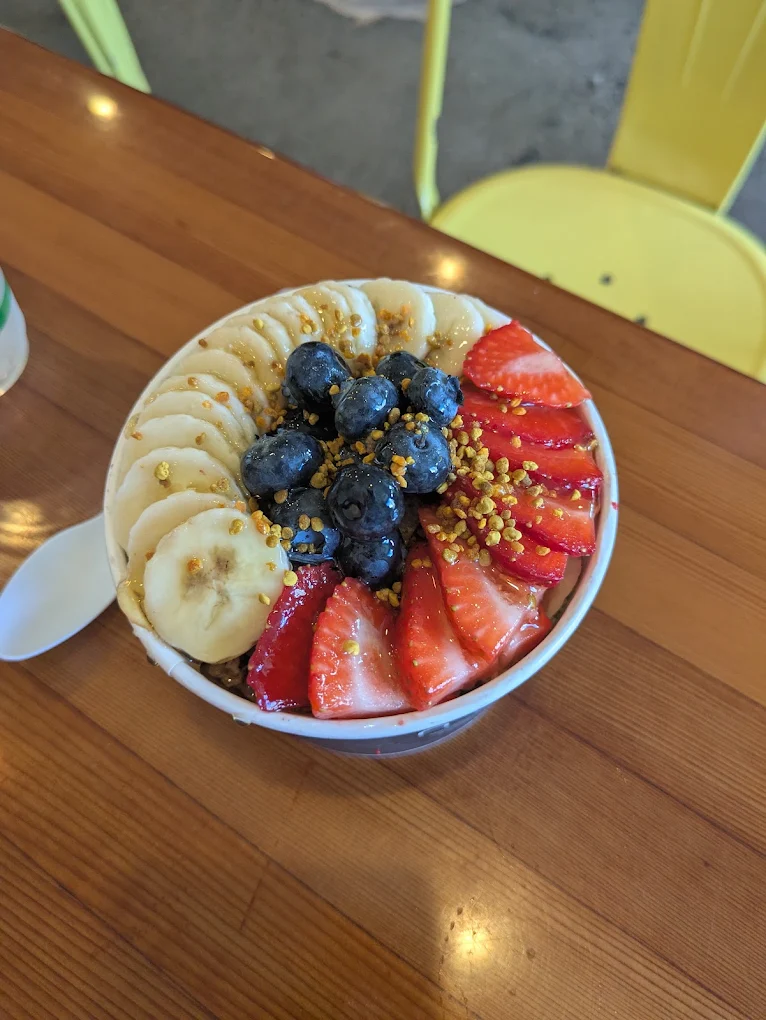
Breakfast bowl
Cookie & ice cream
Dessert special
White wine
Keep originals, versions and references ready for the next special.
GENERATE FOR YOUR FORMAT
The whole dish. A frame that fits.
Choose your image shape before you create. Plating Wizard generates a composition for that frame, giving your food room in a square post, vertical Story or wide website banner.
Generate in your chosen aspect ratio for one credit per image
Fine-tune crop and zoom afterward at no extra credit cost
Download JPG or PNG, or multiple photos together as a ZIP
Optional HD upscaling for one credit
7 image shapes are available, including Original. These three examples were generated separately in the app from the same source photo. AI-generated details can vary between results.
One original. Three compositions.Generated in Plating Wizard
Generated at 1:1 · Select the image to enlarge
THE FULL TOOLKIT
A closer look at what’s included.
30 features to explore
Create & style
Your direction or the Wizard’s
Take full creative control with your own instructions, references and styling choices. Or let the Wizard suggest a direction and use a ready-made style to get started quickly. You can customize either approach.
Written direction
Describe the light, setting and presentation you want. Combine your brief with the visual controls.
Replate
Professionally rearrange the existing food, with instructions to preserve ingredients, garnishes, visible counts, portions and doneness.
Photo suggestions
Get suggestions based on your photo and selected references. Reviews use no photo credits, with up to 200 reviews per account per day.
Saved looks & defaults
Save a combination of styling choices, reuse it on another dish, or make a favorite look your default.
Work with more photos
Multiple uploads
Upload up to 100 JPG, PNG or WebP photos at a time, up to 15 MB each and at least 256 pixels on each side.
Batch styling
Apply shared styling to separate photos. Review the total credits first, pause and resume in the same browser, and keep the tab open while the batch runs.
Individual editing
Give each photo its own instructions and styling when a whole menu needs more than one approach.
Combined meal scenes
Bring food and drinks from several source photos into one image. Assign main, side, drink, dessert and extra roles, then choose a meal, combo or table arrangement.
Recoverable drafts
Pick up available unfinished work in the same browser and account when browser storage is available. Completed photos are saved to your account.
Refine & review
Before & after
Inspect the original and result with the comparison slider, side-by-side view and zoom viewer.
Revisions
Apply new instructions to a finished result. Each generated revision uses one credit.
Regenerate a variation
Try another result with the photo’s saved direction for one credit.
Undo & original
Return to the previous version or the original photo without generating an image. Finished versions stay in Your Pantry until you delete them.
Failed-generation refunds
A failed generation returns its reserved credit automatically. If a connection drops, check Your Pantry for the result before starting again.
Organize & reuse
Your Pantry
Browse Grid or List view, search, sort, rename photos and filter your favorites.
Collections
Group photos by menu, client or campaign. Add and remove photos, rename collections and organize multiple selected photos together.
Originals saved for free
Save unstyled originals directly to a collection at their original resolution, then style them when you are ready.
Reference library
Keep your own plates, packaging, surfaces, locations and visual references close. Search, rename, archive and restore references.
Reuse saved photos
Select existing Pantry photos to start a batch, edit individually or build a scene without uploading them again.
Export & publish
Image shapes
Keep the source photo’s proportions or choose square, portrait, story, landscape, classic or photo formats before generation.
Size & crop
Position and zoom the crop for available export sizes, including menu and delivery presets. Cropping uses no generation credits.
JPG, PNG & ZIP
Download JPG by default, or choose PNG in Advanced settings. Download multiple selected photos together in a ZIP file.
Upscale to HD
Create a higher-resolution version of a generated photo for one credit. Keep the standard version too; failed upscales return the credit.
Watermark-free paid results
Eligible subscriptions and credit-pack purchases enable new images without a watermark. Previously saved trial images keep their watermark.
Credits & account
Free trial
Start with 10 credits after email verification. No card or automatic subscription. Trial images include a watermark.
Plans & one-time packs
Choose monthly or yearly billing, or buy credits once. Subscription allowances refresh monthly without rollover; pack credits stay valid while your account is active.
Billing controls
View your balance, manage your subscription, update payment details and access invoices. Cancellation stops renewal at the end of the paid period.
Personal settings
Update your name, choose your avatar, set your download preference and manage account access.
Support conversations
Contact support from the website or your account. Account requests can include a related photo, with replies kept in your conversations and sent by email.
START WITH SOMETHING YOU’VE COOKED
Your next menu photo starts here.
Bring a real dish. Explore what a different light, setting or arrangement can do.
10 free credits after email verificationNo credit card. No automatic subscription.1 credit per generated image, including revisions. Trial images include a watermark.

 The original photo

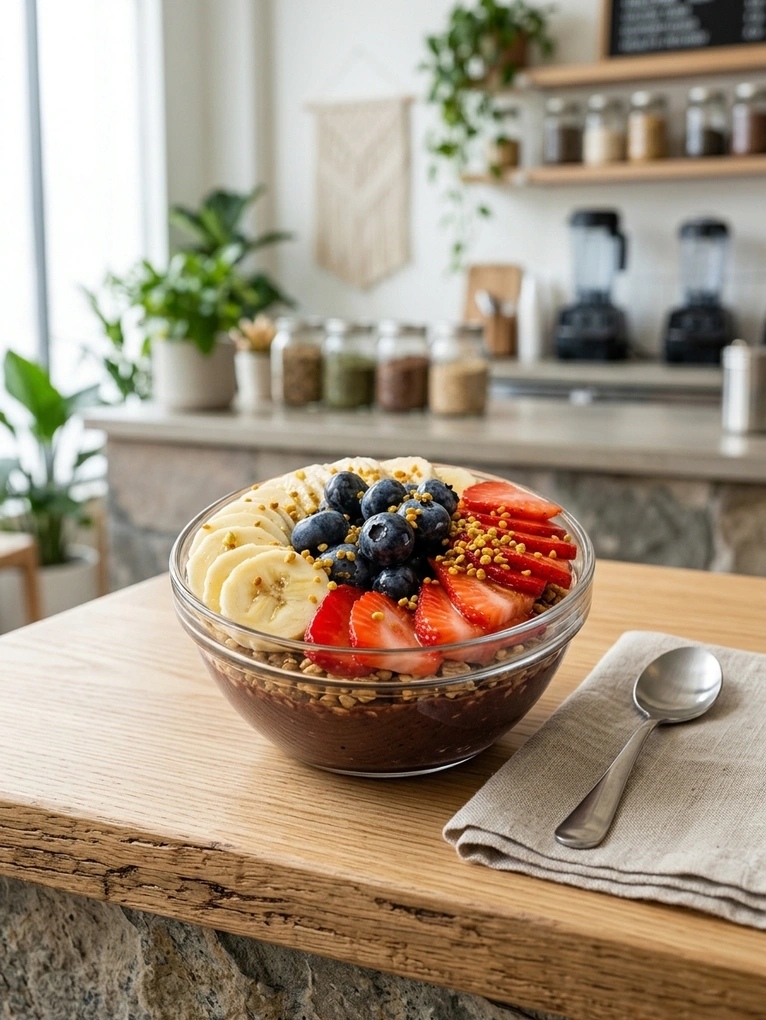 Breakfast bowl
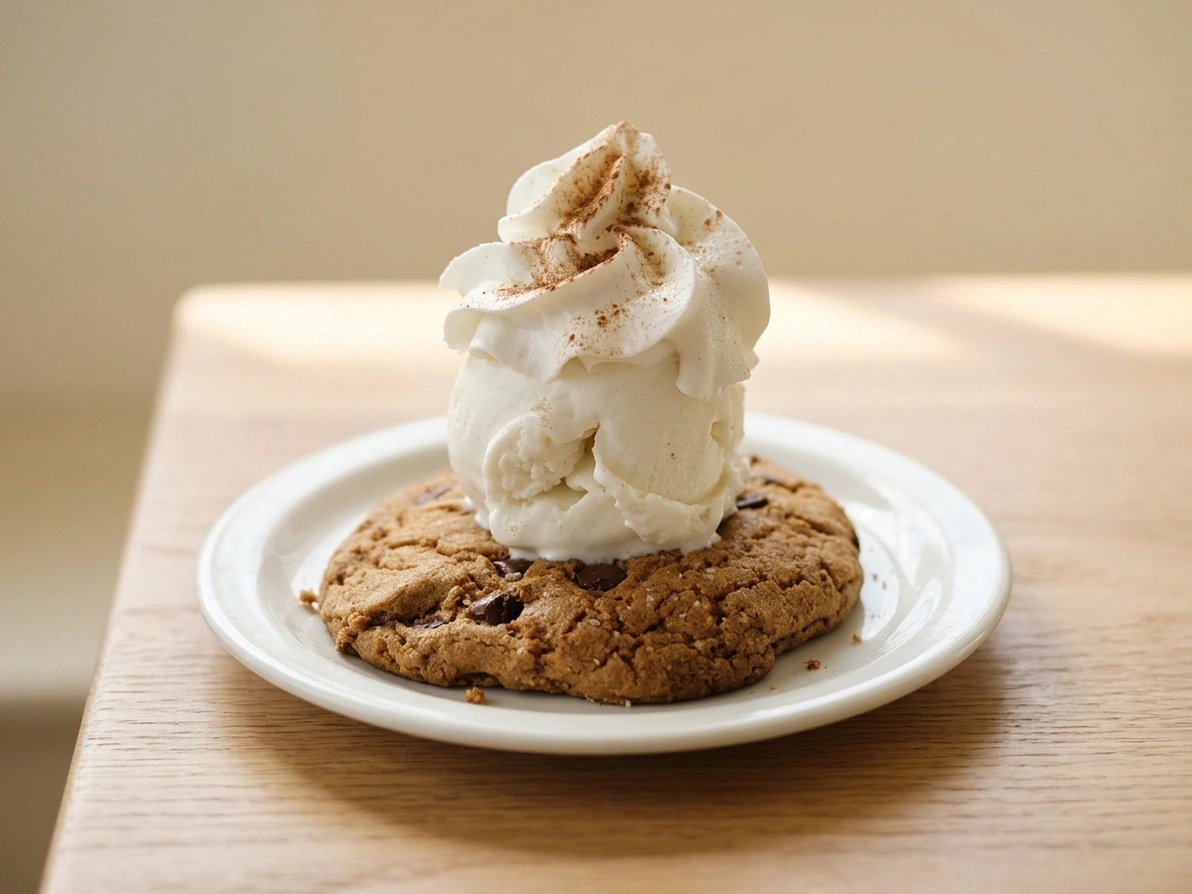 Cookie & ice cream
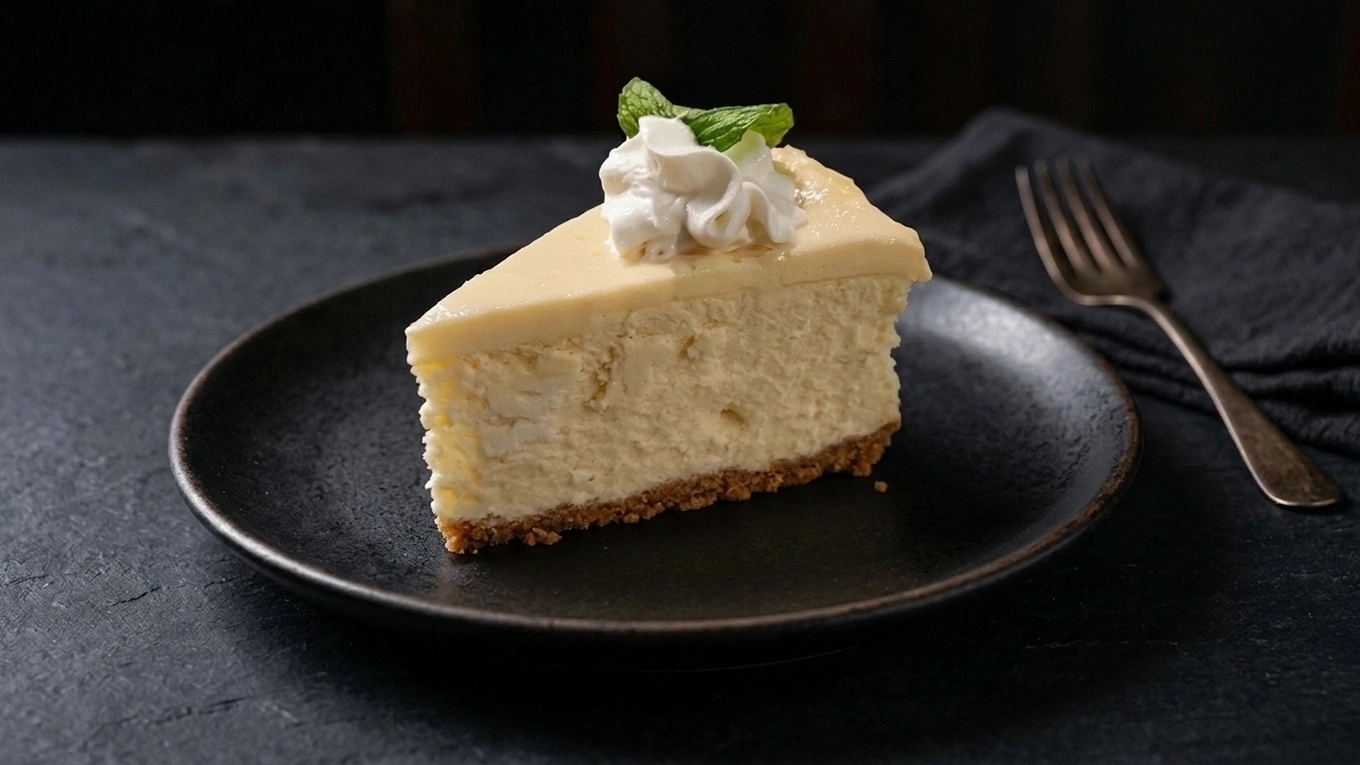 Dessert special
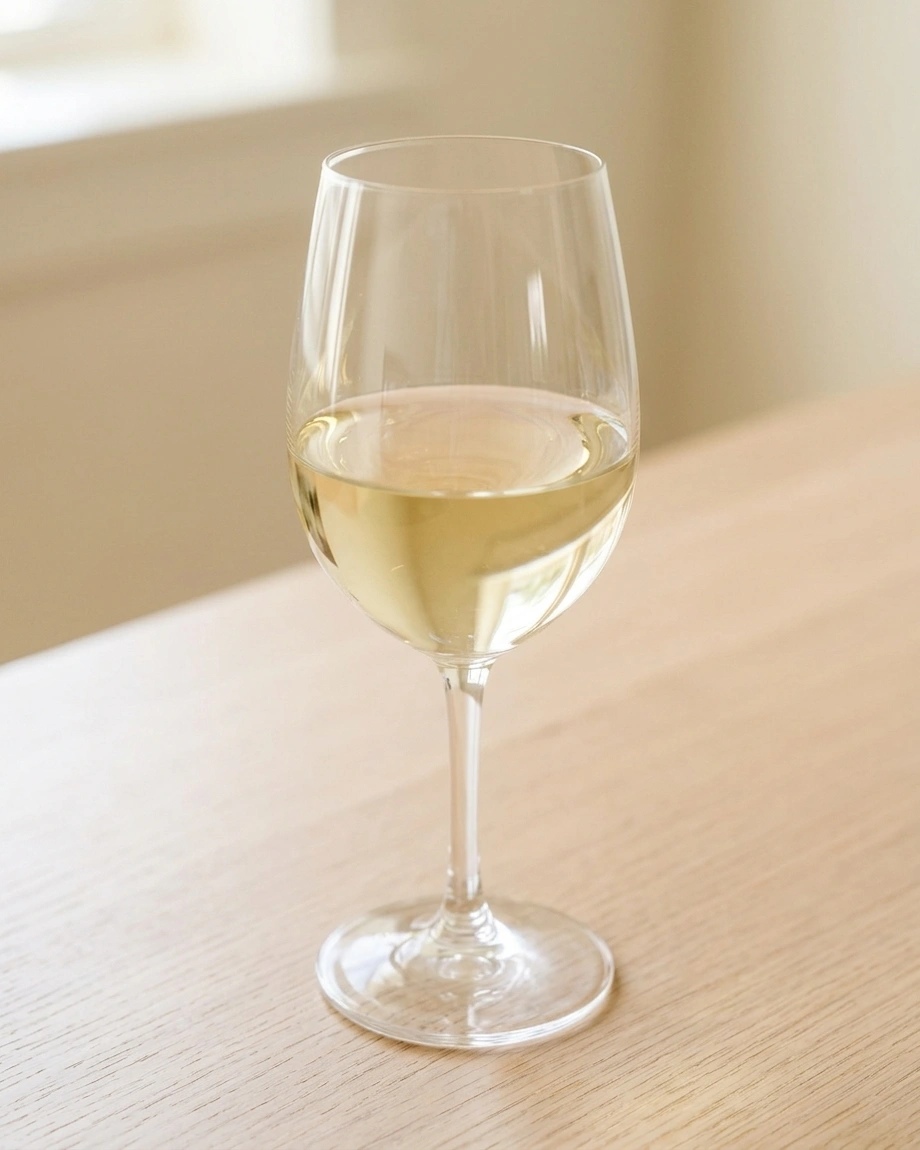 White wine